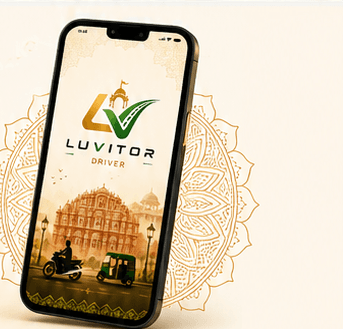
Move SmarterRide Better
Bike Rides•Auto Rides•Parcel Delivery
Flexible Hours
Ride when it suits you — full time or part time.
Two Earning Modes
Choose Bike, Auto, or ride both.
Drive with LUVITOR
Download the Captain App to register, complete verification and start accepting trips after approval.
Quick Sign-up
Takes about 1–2 minutes.
How it works
How to register in the Captain App
- 1
Download the Captain App
Download the official LUVITOR Captain App from Google Play using the link on this website.
- 2
Create your Captain profile
Follow the app's sign-up instructions and enter your name, email, date of birth and gender.
- 3
Add your vehicle and city
Choose your vehicle type and enter your vehicle number and city. Enter a referral code if you have one.
- 4
Complete document verification
Upload the documents requested in the app, including your driving licence, vehicle registration certificate (RC) and insurance, and submit your registration for review.
- 5
Start after approval
Once your registration is approved and service is available in your city, follow the app's instructions to go online and accept rides.

100
Happy Riders
10+
Cities We cover
SOS
Safety Provide
24*7
All time Available for you
GET THE LUVITOR APP
Your next journey starts here. Download LUVITOR on Google Play.
Book bike and auto rides or send parcels from your phone. Check the app for service availability in your city.